Know what your shop made, and where it came from.
Revenue, services, team and customers, ready from your bookings with nothing to type.
No card · nothing to install · live in 5 minutes
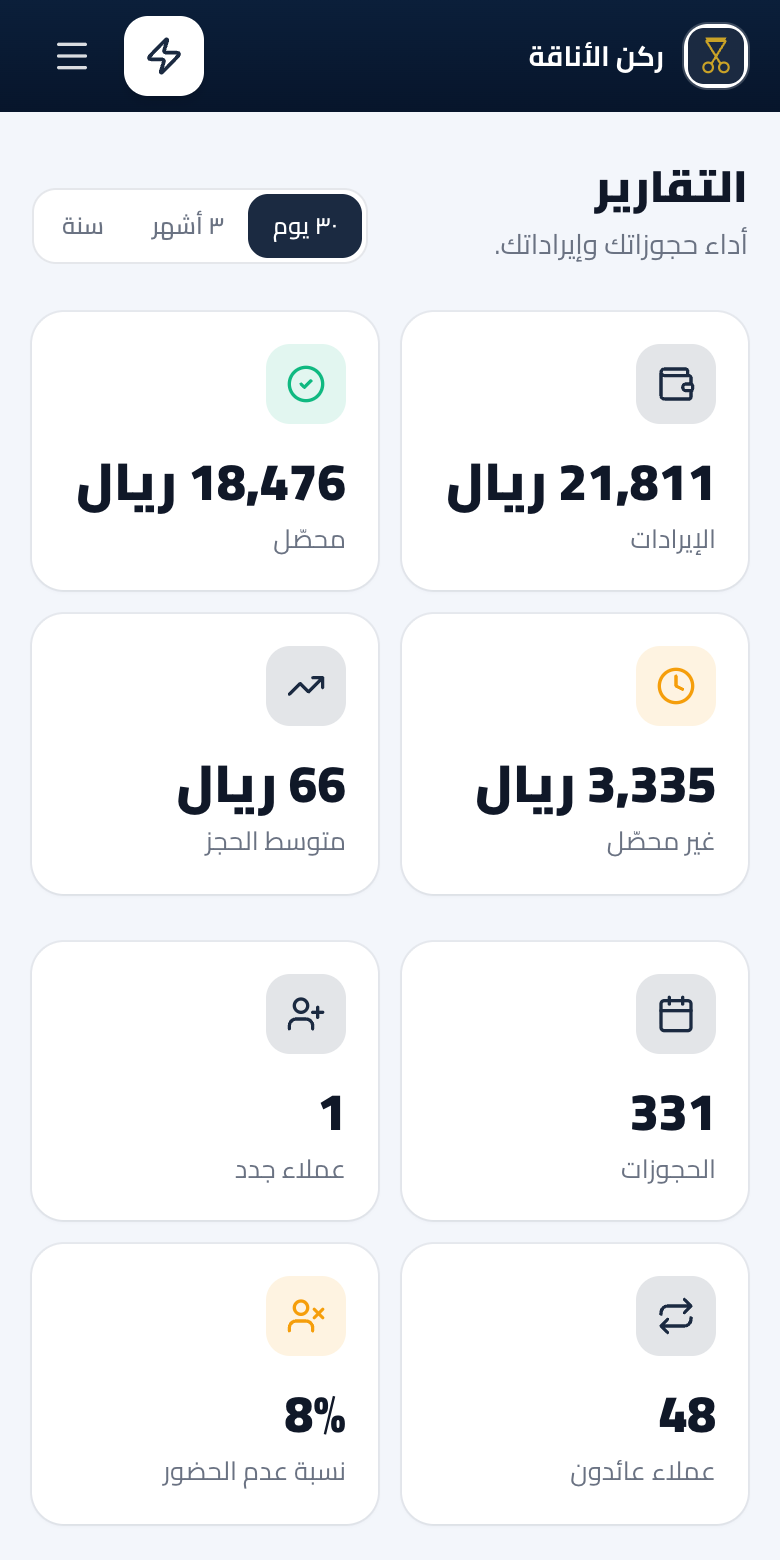
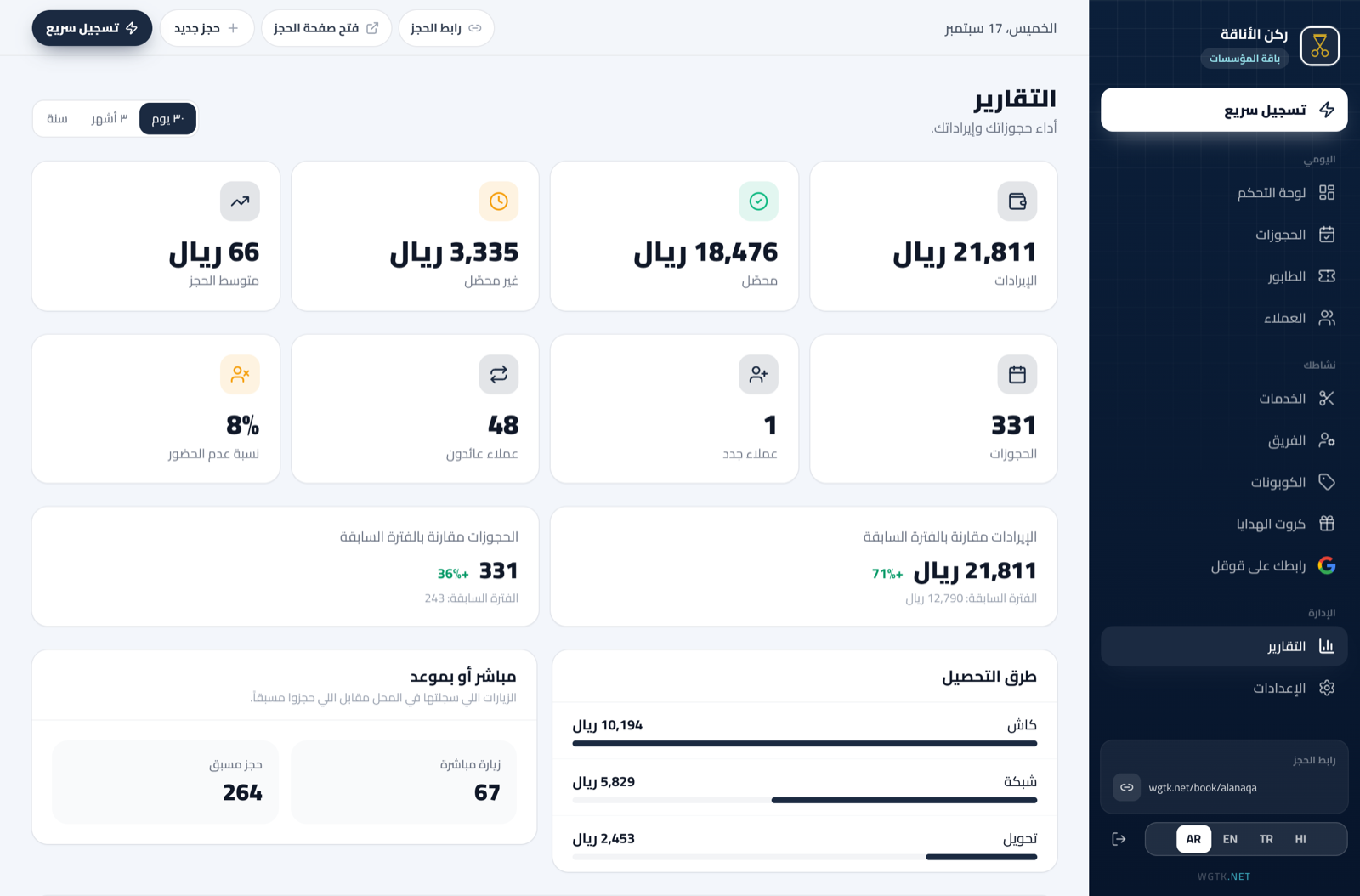
A real screen from the product
Reports
Revenue, compared
Every number next to the period before
Collected, uncollected, average booking and peak times, so you see your direction at a glance.
Your most requested services
Ranked by revenue
You know which service carries the takings, and which needs an offer to move it.
Team performance
Each person’s bookings and share
Each person’s revenue and share of the day’s takings, ready for commissions.
Where bookings came from
Page, panel, queue, assistant
You know where each booking came from, what it brought in, and how many new customers it drew.
Where the numbers come from
- 1
From bookings
Every booking, who came and who did not.
- 2
From quick record
Walk-ins with their amounts.
- 3
You open Reports
Pick the period and compare it with the one before.
What your shop gains
Decisions on numbers
Not on guesswork.
No manual sheets
The numbers gather from your bookings by themselves.
Ready to export
An Excel file in one tap.
Questions about this feature
Pro and above, and in full during your free trial.
Yes, once you record them with quick record.
Yes, an Excel file in one tap from the Bookings page.
Start now, your link is ready in minutes
4 months free with everything, and no card needed.
Create your link nowNo card · nothing to install · cancel anytime